> For the complete documentation index, see [llms.txt](https://okpos.gitbook.io/okpos/llms.txt). Markdown versions of documentation pages are available by appending `.md` to page URLs; this page is available as [Markdown](https://okpos.gitbook.io/okpos/start-2/my-okpos.md).
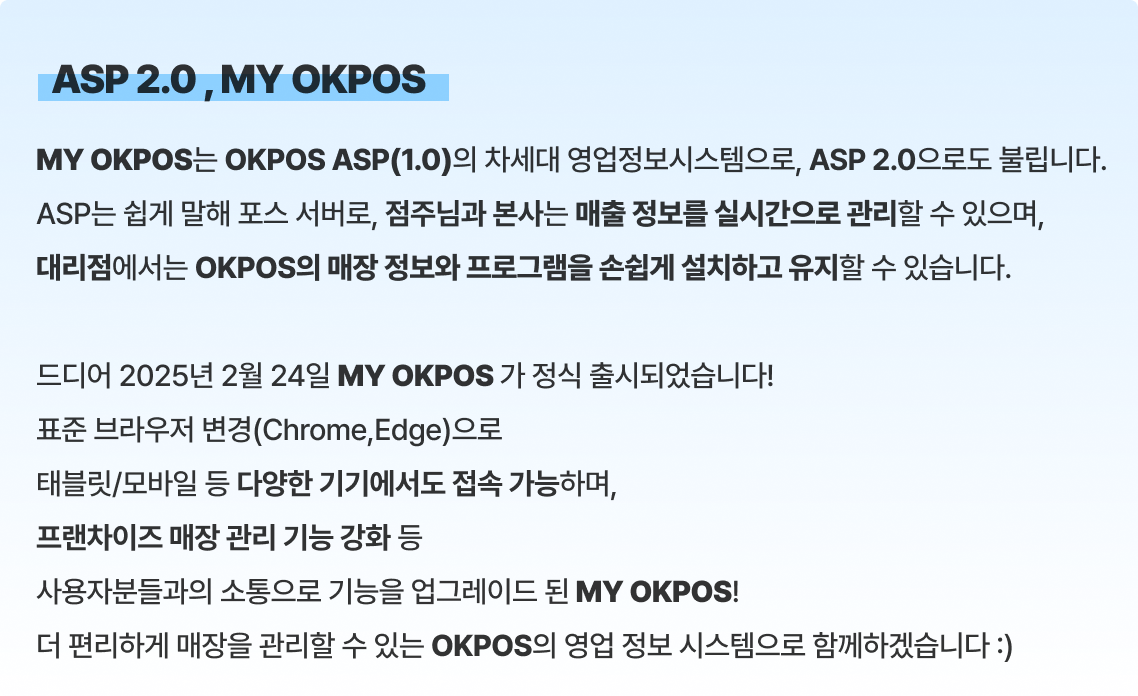
# MY OKPOS 소개드립니다!
26.01.20 update
***
### **💁♀️MY OKPOS에서는 가능합니다!**
✅ 크롬, 엣지 뿐만 아니라 **태블릿, 모바일**에서도 사용할 수 있습니다.
✅ **상품 분류부터 등록, 터치키까지 한번에 등록**할 수 있습니다.
✅ **사이드 메뉴가 옵션으로 변경**되어 더 간편하게 등록할 수 있습니다.
✅ **프랜차이즈 브랜드 관리 기능이 추가**되어 사용할 수 있습니다.
대리점 계정과 라이센스는 기존과 동일하게 사용할 수 있으며,
본사와 매장은 MY OKPOS 신규 등록 후 사용할 수 있습니다.
이전 대리점 아이디 비밀번호 그래도 MY OKPOS 로그인 가능하며,\
**본사와 매장**은 MY OKPOS 신규 등록 후 사용할 수 있습니다.
### **📖MY OKPOS 소개서 및 사용법 (pdf)**
{% file src="/files/CdfvSE4sfzRzPPh0LMoP" %}
MY OKOPOS의 pdf 소개서 입니다
{% endfile %}
***